
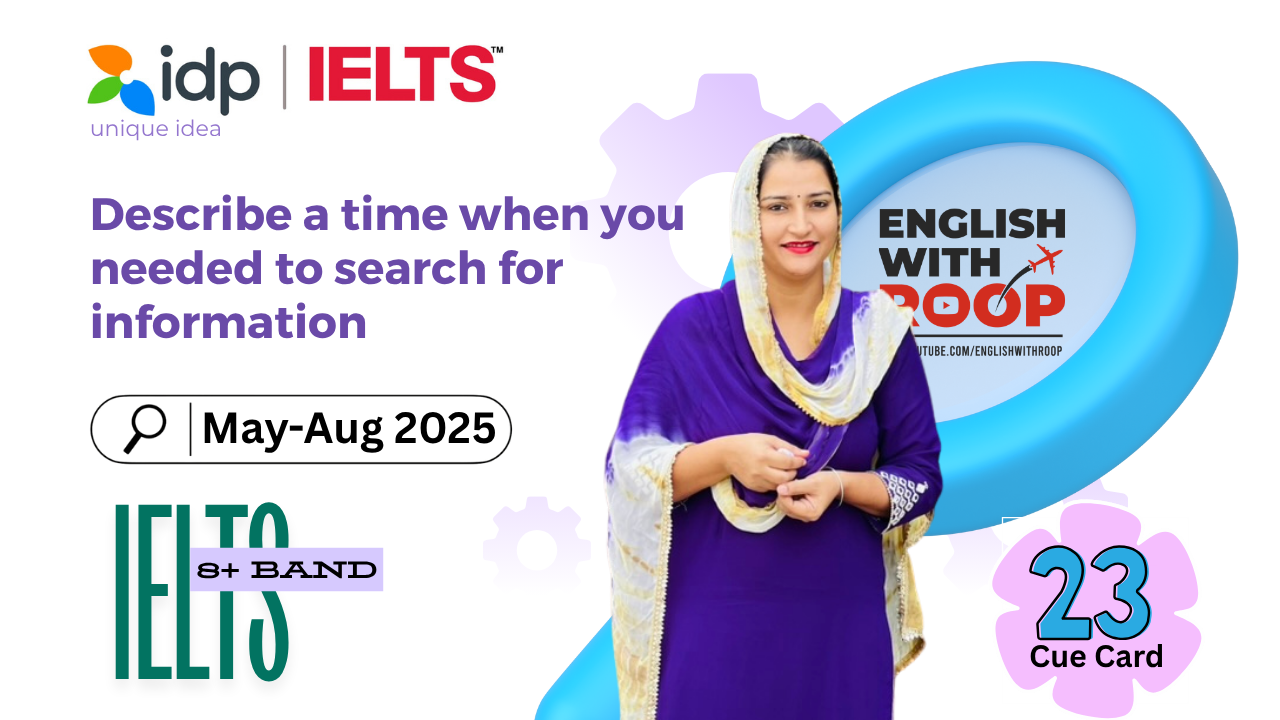
Describe a Time When You Needed to Search for Information | IELTS Cue Card May–August 2025 | 8+ Band Answer
- What information you needed to search for
- When you searched for it
- Where you searched for it
- And explain why you needed to search for it
Vocab /Idioms
- Browse – Look through
- Countless – Too many
- Where there’s a will, there’s a way – Strong determination
- Delight – Great joy
- Over the moon – Extremely happy
- Worthwhile – Valuable enough
Well, we often come across situations where we need to find information to solve a problem or try something new. One such moment for me was when I searched for a recipe to bake a chocolate cake for my mother’s birthday.
To begin with, I wanted to surprise her with something meaningful and personal, instead of buying a ready-made cake from a bakery. Since chocolate is her absolute favorite, I decided that a homemade chocolate cake would be the perfect gift. But there was one small problem—I had never baked a cake in my life. So, I knew I had to find a recipe that was both simple and beginner-friendly.
About three days before her birthday, I began searching for the perfect recipe using my mobile phone. I browsed several cooking websites, read a few food blogs, and also explored some popular YouTube channels. There were countless recipes available, but many looked either too complex or required ingredients I didn’t have at home. Eventually, I found one that seemed easy to follow and didn’t need any fancy tools or ingredients.
As the saying goes, “Where there’s a will, there’s a way.” I was very determined to get it right, so I carefully noted down all the steps and even watched the video twice to make sure I understood everything. I followed the instructions closely—measuring the ingredients, mixing the batter properly, setting the right oven temperature, and patiently waiting while it baked.
To my delight, the cake turned out soft, moist, and delicious. I decorated it with whipped cream, chocolate chips, and some fresh cherries. When I presented it to my mother, she was over the moon and couldn’t believe I had baked it myself. Her smile made all the effort worthwhile.
All in all, it was a rewarding experience. I felt very proud of myself because I was able to do something special for someone I love, simply by finding the right information and giving it my best. It also boosted my confidence and made me want to try baking again in the future.
Follow-ups
- How can people search for information now?
Well, in today’s digital world, people mostly rely on the internet to search for information. For example, search engines like Google or voice assistants like Siri make it easy to find answers within seconds. Compared to the past, it’s faster and more convenient. - What information can people get from television?
To begin with, television provides a wide range of information such as news, weather updates, educational programs, and entertainment shows. For instance, news channels like BBC or CNN keep viewers informed about global events and important issues.
3.Do you think libraries are still important in the digital age?
Yes, absolutely. Even though digital platforms are popular, libraries are still valuable for academic research and a quiet place to study. Moreover, some rare books and reference materials are only available in physical libraries.
- Does the development of the internet have any impact on some disadvantaged people?
Certainly, the internet has a mixed impact on disadvantaged communities. On the bright side, it provides free access to education, job portals, and health advice. However, those without smartphones or digital skills often get left behind. For example, many elderly people or rural residents struggle to benefit fully from online services. - How do people identify reliable information on the internet?
Frankly speaking, it’s important to check the source before trusting any online information. For example, websites ending in .edu or .gov are usually more reliable, and cross-checking facts on different trusted platforms helps ensure accuracy. - Is it good if people could have more access to information in the future?
Definitely, more access to information can lead to better education and awareness.
However, it should be managed well to avoid misinformation. For example, online learning platforms have helped students during the pandemic.